Set your block filters
Pick stations, minimum block value, hourly pay, duration and lead time. Use day and time filters to select when a block may start.
FLEXSHARK / AMAZON FLEX AUTOMATION
Search for delivery blocks and automatically accept matching offers. Choose your stations, minimum pay and working times, then manage everything from your browser.
No card needed to start demo access · No monthly fee
CHOOSE THE WORK THAT FITS
Pick stations, minimum block value, hourly pay, duration and lead time. Use day and time filters to select when a block may start.
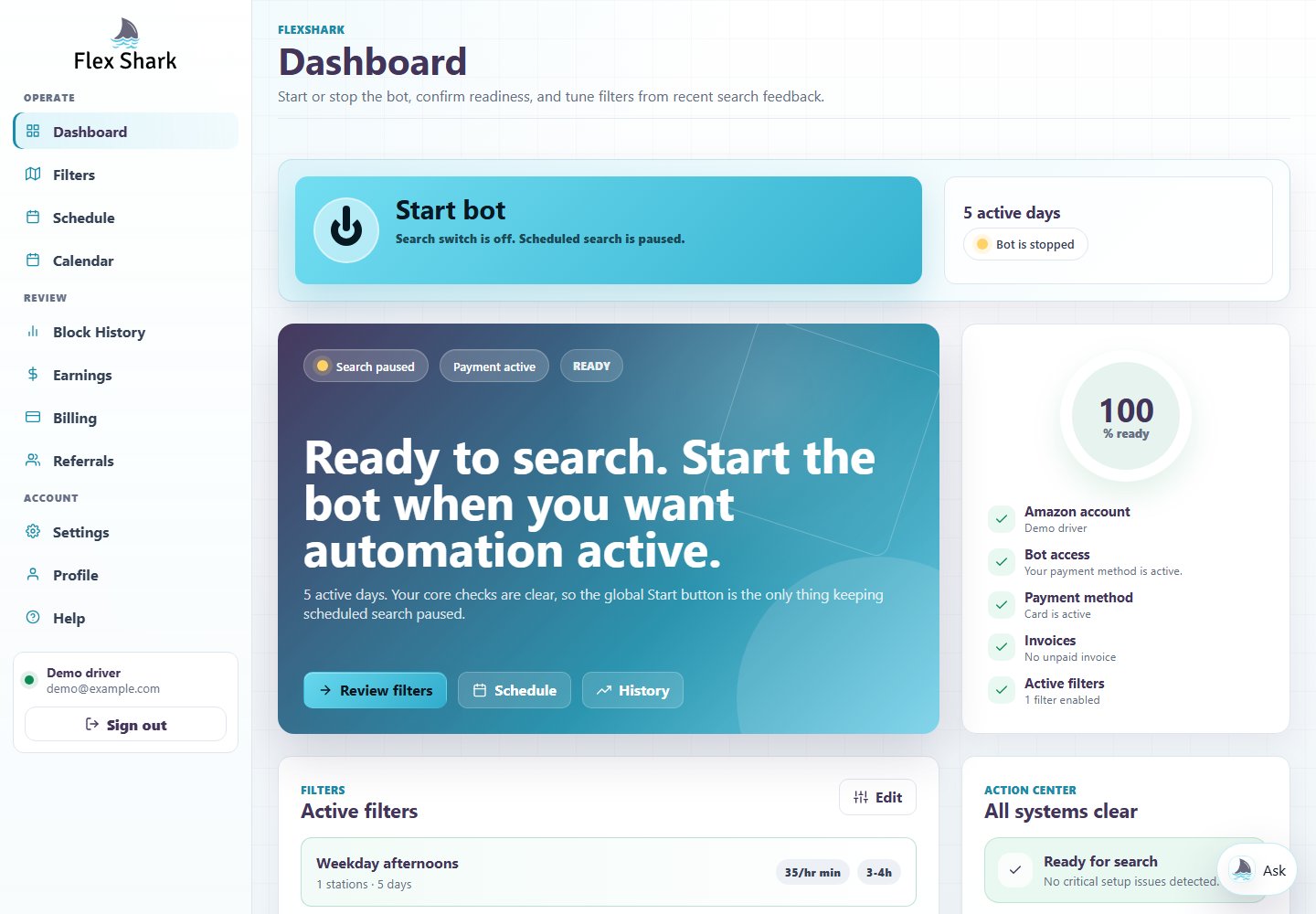
Your weekly search schedule controls when FlexShark may look for offers. The dashboard search switch lets you pause searching without rebuilding your saved plan.
Check upcoming blocks in Calendar and inspect recent accepted, missed, rejected and forfeited offers. Review individual auto-forfeit settings before leaving them enabled.
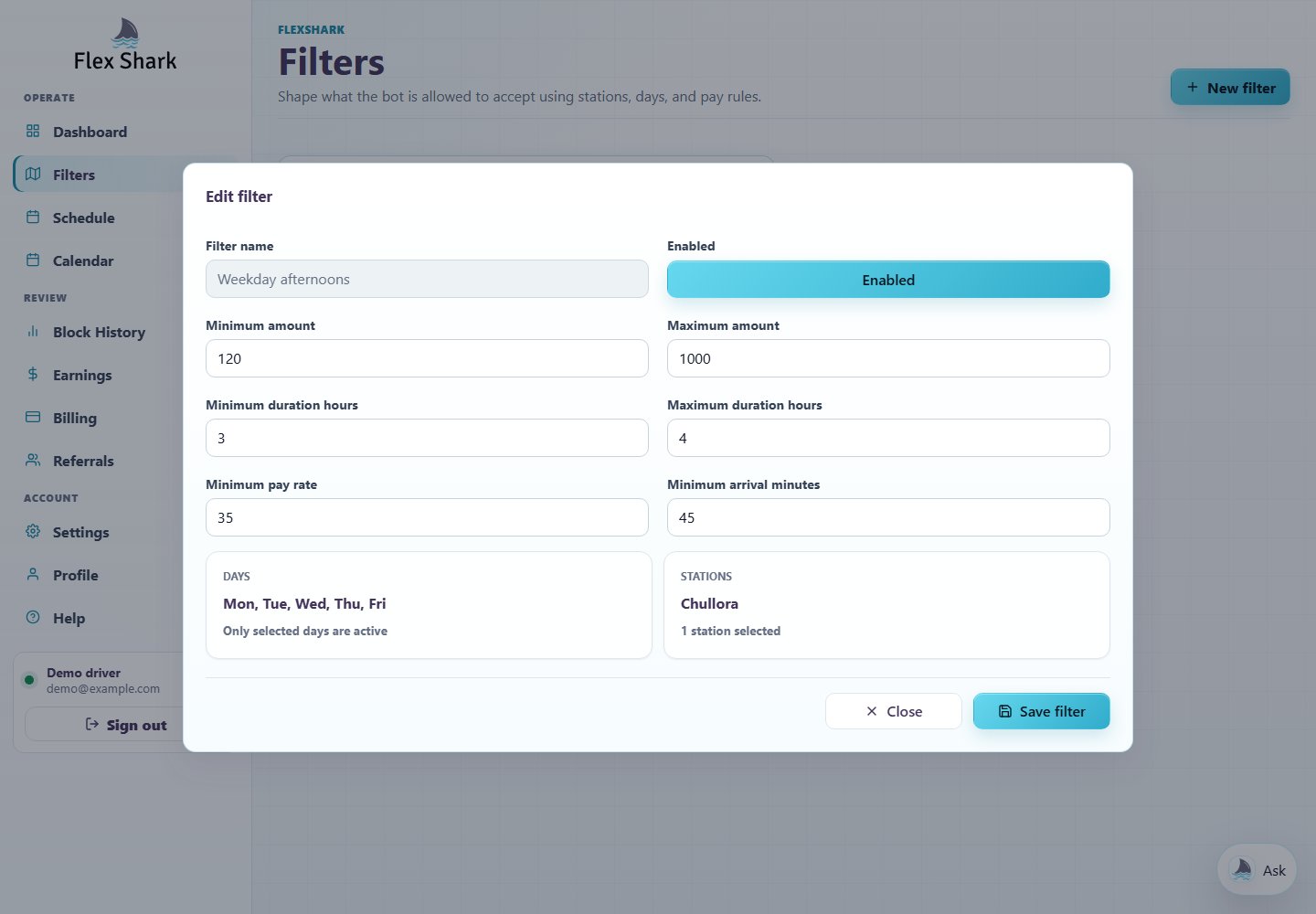
You could choose Chullora, a minimum block value of AUD 120, at least AUD 35 per hour, a duration of 3–4 hours and 45 minutes of lead time.
Those rules decide which offers qualify. Your separate search schedule decides when FlexShark looks for them. Matching offers may not always be available.
Work through block pay and travel costs →A LOOK INSIDE
Watch a short, silent tour of the current filters, search schedule and dashboard. The account, settings and booking shown are demonstration data.
PAY AS YOU GO
Demo access starts when your first block is accepted. Blocks accepted during active demo access are not billed. Review your demo status and end time in the dashboard.
After demo access, the service fee applies to eligible blocks accepted through FlexShark. Blocks booked in the official Amazon Flex app, tips and blocks forfeited through FlexShark are not charged.
Billing, invoice and refund details →of eligible accepted block value
after demo access
Example, not an earnings claim
AUD 140 eligible block × 3.5%
AUD 4.90 service fee
REGIONS & DEVICES
Manage FlexShark in a web browser on your phone, tablet or computer. There is no FlexShark app download required to access the dashboard.
Sign-up currently lists Australia, Canada, the United Kingdom and the United States. Station and search availability can vary by region and account.
Confirm support for your region →You need your own Amazon Flex account, a working account connection, eligible demo or payment access, an active filter and a search schedule.
Check account readiness →FlexShark cannot guarantee block availability, successful acceptance or earnings. Login problems, CAPTCHA requests, payment holds and service interruptions can prevent searching or booking.
Third-party automation can lead to Amazon account warnings, restrictions, suspension or deactivation. Filters and schedules do not eliminate that risk. FlexShark is an independent service and is not affiliated with Amazon.
There is no monthly fee. After demo access, FlexShark charges 3.5% on eligible blocks accepted through the service. Official-app bookings, tips and blocks forfeited through FlexShark are not charged.
FlexShark is managed in a web browser on a phone, tablet or computer. No FlexShark app download is required to use the dashboard.
No. Block availability, acceptance and earnings are not guaranteed. Third-party automation can lead to account warnings, restrictions, suspension or deactivation.
An Amazon Flex bot is automation software that searches for delivery blocks and can accept matching offers based on configured rules such as station, pay, duration, schedule, and arrival time.
FlexShark provides controlled Amazon Flex block search and auto accept workflows. Drivers configure filters and schedule windows so automation targets only the blocks they want.
Yes. FlexShark separates the global bot start switch from weekly search schedules, so automation can run only inside selected time windows.
GO A LITTLE DEEPER